
How to Search Civil Dockets
The North Carolina Judicial Branch Portal is the online route for Stanly County. It opens eligible civil case information. Smart Search works with a case number or a party name. You can narrow results to Stanly. Filter further by case type, status, or filing-date range when those controls appear. No registration is required. An optional account unlocks My Cases, though it does not open restricted records.
Open the eligible Case Summary. Read Case Events for dated activity. The question may be a hearing setting rather than case history. Then try Search Hearings or the calendar service. For an older file, a paper review, or an official copy, go back to the Clerk of Superior Court. That also applies when a document image is unavailable online.
- Open Portal in Chrome or Edge and choose Smart Search.
- Search by exact case number or party, then narrow to Stanly where possible.
- Use a civil case-type, status, or date filter if the result set is broad.
- Read the eligible Case Summary and its Case Events in date order.
- Check Search Hearings or a local calendar, then contact the clerk for file questions or official copies.
Stanly County Civil Portal Search Fields
There is no separate Stanly civil database. Portal publishes one broad search model instead. Smart Search takes a case number or party name by default. Published modes also cover record number, citation number, attorney or bar number, business, cross-reference, and nickname. A Stanly location narrowing control appears when the live interface offers it.
Advanced controls can filter an eligible civil search. Options include case type, status, file-date range, or date of birth. Portal masks public dates of birth as XX/XX/XXXX. Treat these fields as published search guidance rather than a guaranteed result layout.
| Field | Type | Published civil use |
|---|---|---|
| Smart Search text | Text | Case number or party name by default, plus published alternate search modes. |
| Location | Dropdown | Optional county or court narrowing; use Stanly when offered. |
| Case type | Dropdown | Published filters include Civil Actions, Family, Probate, Estates, and other contexts. |
| Case status and file date | Dropdown and date range | Published advanced narrowing controls; live option details were not verified. |
What a Civil Docket Shows
Portal labels the case-level display a Case Summary. Public categories can include Case, Assignment, Party, Case Events, hearings, disposition, and financials. A Stanly County civil docket may show filing, notice, motion, order, hearing, settlement, dismissal, judgment, enforcement, or appeal activity where that information is public and available.
Case Events is the chronological portion of the record. Not every document image is public. Read the accessible entry alongside the case status and the clerk file rather than assuming a field or document link will appear.
| Case, Assignment, Party | Published Case Summary categories for basic case, court, party, and assignment information where available. |
|---|---|
| Parties and attorneys | Party information is a published category, while attorney name or bar number can be a search input. |
| Case Events | The date-ordered activity category for filings, notices, motions, orders, hearings, and outcomes where public. |
| Hearings and disposition | Published categories that may appear, without a promise of a fixed display or document link. |
| Restricted records | Sealed civil records are not opened by a routine public search. |
Stanly County Civil Portal and Paper Files
Portal and the clerk file serve different roles. Portal offers eligible public Case Summary information, but it is not the official court record. The Clerk of Superior Court maintains the actual record. That covers Stanly County civil files, dockets, and indexes for both Superior and District Court.
The clerk counter is the in-person fallback. A public terminal in the clerk's office supports specified civil searches. Call the Stanly court contact directory at (704) 986-7000 with a file question. Have the case number ready, plus the document or record category you need. The clerk can confirm access and copy availability before a request is completed.
Stanly County Civil Case Events and Judgments
A Case Event is not automatically a final judgment. A civil action can open with a pleading or another initiating filing, then move through service, a response, motions, notices, hearings, orders, settlement or dismissal activity, a judgment, and later enforcement or appeal entries. Any particular case may show only some of these events.
Do not call a Stanly County civil matter finished just because a calendar date has passed. Look for a disposition or judgment entry. Confirm the case status or clerk information where needed. Older converted events can display 12:00 a.m. in Portal, which is a conversion artifact rather than a true midnight event. Note that a date on a civil docket marks recorded activity or a setting, not a guarantee that a ruling was entered.
Types of Civil Cases on the Docket
Stanly County civil dockets cover civil actions, along with public family, probate, estate, special-proceeding, and mental-health contexts where Portal makes information available. The classification, documents, and access level vary case by case. Need a specific cause or judgment detail? Check the accessible Case Summary or the clerk file.
Jurisdiction helps most with the trial division. It says nothing about merit, status, or outcome. A magistrate sits within the state court system rather than as a separate municipal civil court.
- Superior Court civil actions above $25,000.
- District Court civil actions at or below $25,000.
- Small claims below $10,000 before a magistrate.
- Family and juvenile functions assigned to District Court by law.
Stanly County Civil Jurisdiction Split
Stanly County Superior Court hears civil actions above $25,000. District Court takes civil actions at or below $25,000. A magistrate handles small claims below $10,000. The official Stanly County court location page identifies the local trial-court setting. All three routes share one records office. The unified Clerk of Superior Court serves them all. The statewide Portal also carries eligible online public information.
The official North Carolina lawsuits and small-claims guidance is the source for these jurisdiction lines. The division tells you where a matter is normally heard. It does not create separate Stanly County civil record custodians.
| Court level | Civil jurisdiction | Stanly record route |
|---|---|---|
| Superior Court | Actions above $25,000. | Portal, Superior calendars, and Clerk file. |
| District Court | Actions at or below $25,000 and assigned family matters. | Portal, Search Hearings, calendars, and Clerk file. |
| Magistrate | Small claims below $10,000. | Clerk or magistrate inquiry, with Portal access where public. |
Settings and Hearings on Civil Dockets
Need a Stanly County civil setting? Check Portal Search Hearings or the North Carolina county calendar service. A calendar simply groups the matters set for one session. For the case-focused history, turn to Case Events and hearing information. The two can disagree. If they do, or the matter is urgent, let the Clerk make the final call.
District 28 family rules add a local wrinkle worth knowing. No date exists until the applicable pleading is filed. Motions and hearings go through the Case Coordinator. Publishing the calendar counts as adequate notice under those rules. Counsel may get notice by mail, email, or basket. Unrepresented parties receive it by mail.
Stanly County Civil Calendar Request
Local forms from District 28 make one thing clear. Filing a paper and getting a setting are separate steps. The official local page carries a Stanly County Superior Civil Court Calendar Request, Notice of Hearing, and Request for Continuance. You will also find a Pre-Trial Conference Order, Administrative Discovery Order, Status Conference Order, and equitable-distribution forms there.
Seeing a form tells you nothing about a specific case. It does not mean a hearing is set. It does not mean a request was granted, either. What the forms really show is the working vocabulary of a Stanly County civil docket. Until the court, Portal, or clerk confirms a change, keep the current setting in place. The Stanly local rules and forms page publishes these scheduling materials.
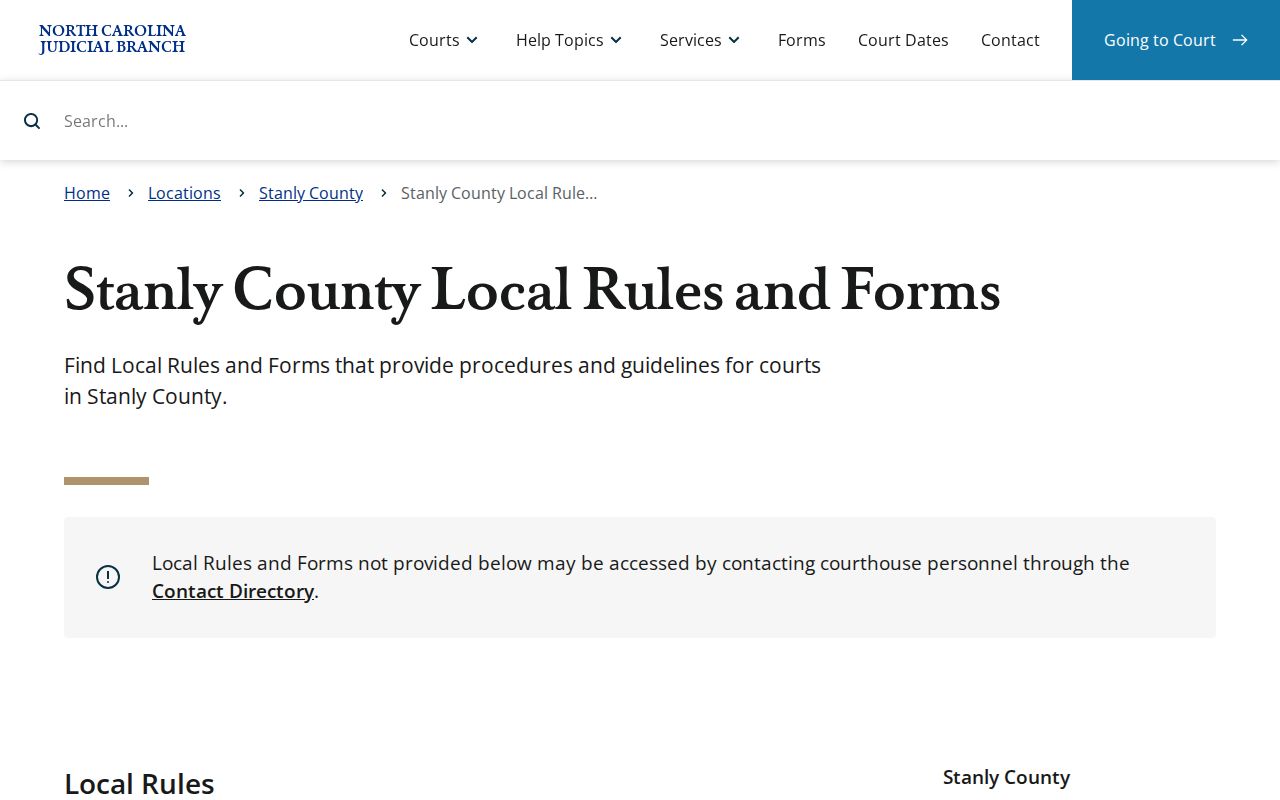
Those materials make the local request process concrete in a way a generic civil docket description never could. One caution applies, though. A continuance request does not replace an existing date unless the court approves and records the change.
Stanly County Civil District 28 Settings
District 28 also publishes a Request for Setting and a Request for Peremptory Setting. Both are scheduling tools for lawyers and parties. Neither works as a public case-search substitute. They explain why a Stanly County civil docket may list a hearing request, notice, or conference order well before any final hearing takes place.
For nonjury family matters, the local rules set a timetable. The request for setting must be filed with the Clerk and delivered to the coordinator and the opposing side four weeks before the session. That rule is procedure, not advice for your situation. The case calendar still controls the actual scheduled date.
Stanly County Civil Small Claims Route
Small claims below $10,000 go to a magistrate. That route runs inside Stanly County's state court system, backed by the unified clerk structure. Do not look for a separate city civil clerk or a justice-of-the-peace portal. Neither is part of the local court-record model.
Start with Portal where public information is eligible. The online view may not answer the record question. If it cannot, ask the Clerk or the magistrate inquiry channel. The $10,000 figure is about jurisdiction and nothing more. It says nothing about whether a claim is public, pending, resolved, or visible online. The state lawsuits and small-claims guidance is the source context for the magistrate limit.
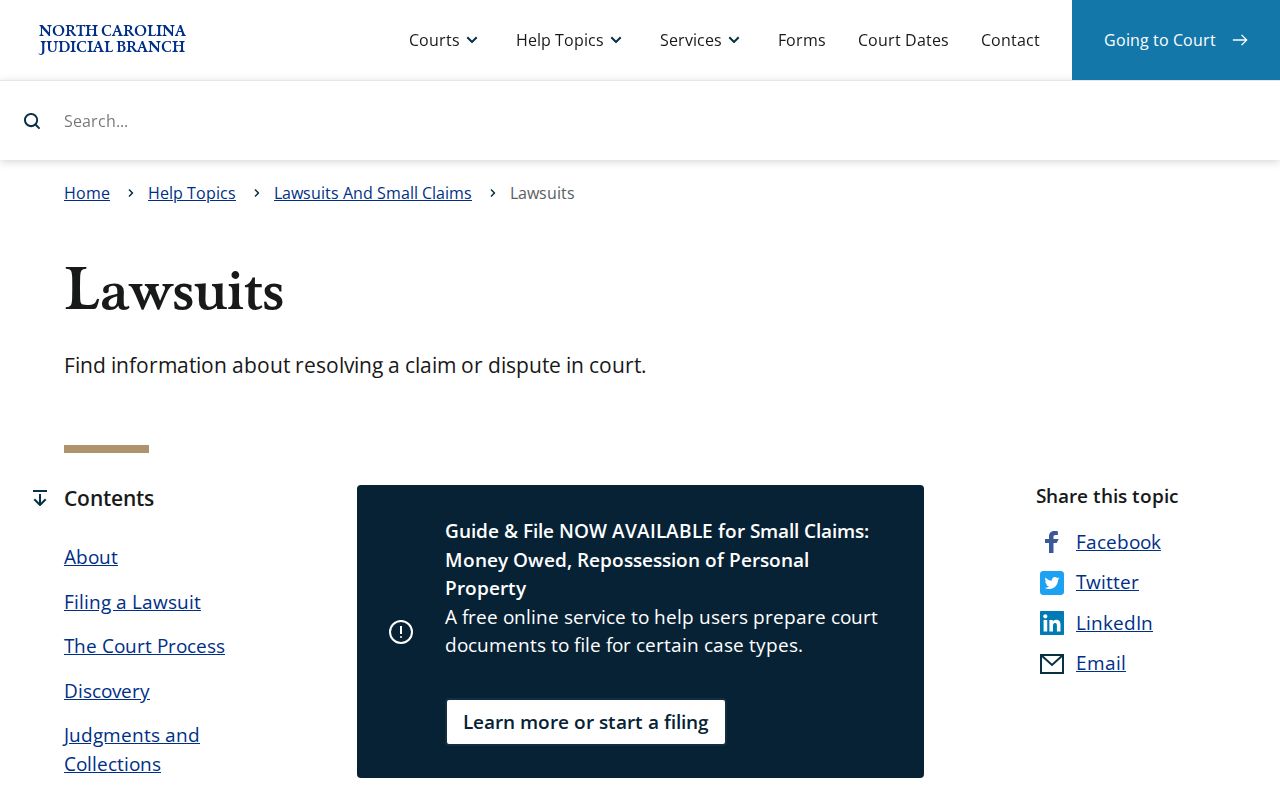
That jurisdiction split helps route a Stanly County civil docket search to the right trial level.
Public Access to Civil Dockets
Public case information can be searched in Portal. It can also be inspected through the Stanly Clerk, within confidentiality rules and practical safeguards. Remember that Portal is not the official court record. A sealed civil file stays sealed no matter how routine the public search. The formal Judicial Branch public-records request covers AOC records. It cannot replace asking the Stanly Clerk for a county case file.
North Carolina law sets a general baseline for inspecting and copying public records. Court files complicate that baseline, since confidential material may need to be separated out first. A nonparty seeking a sealed civil record must follow the statutory court-access route. Portal, a request form, or registration cannot serve as a workaround.
Key Rules:
G.S. 7A-109 directs clerks to maintain court records, files, dockets, and indexes while recognizing confidentiality exceptions.
G.S. 132-6 supplies the general public-record inspection and copy baseline, subject to lawful limits.
G.S. 1-72.1 supplies the court-access route for a nonparty seeking a sealed civil record.
Stanly County Civil Sealed File Access
A sealed Stanly County civil file is not a Portal search problem. An empty public result can mean many things: sealing, another access restriction, processing lag, an older record, or just a bad search term. For an ordinary file question, contact the clerk. Sealed civil material is different, and G.S. 1-72.1 sets out the process to use. Never assume a counter request will open the file. The official sealed civil-record access statute spells out that nonparty procedure.
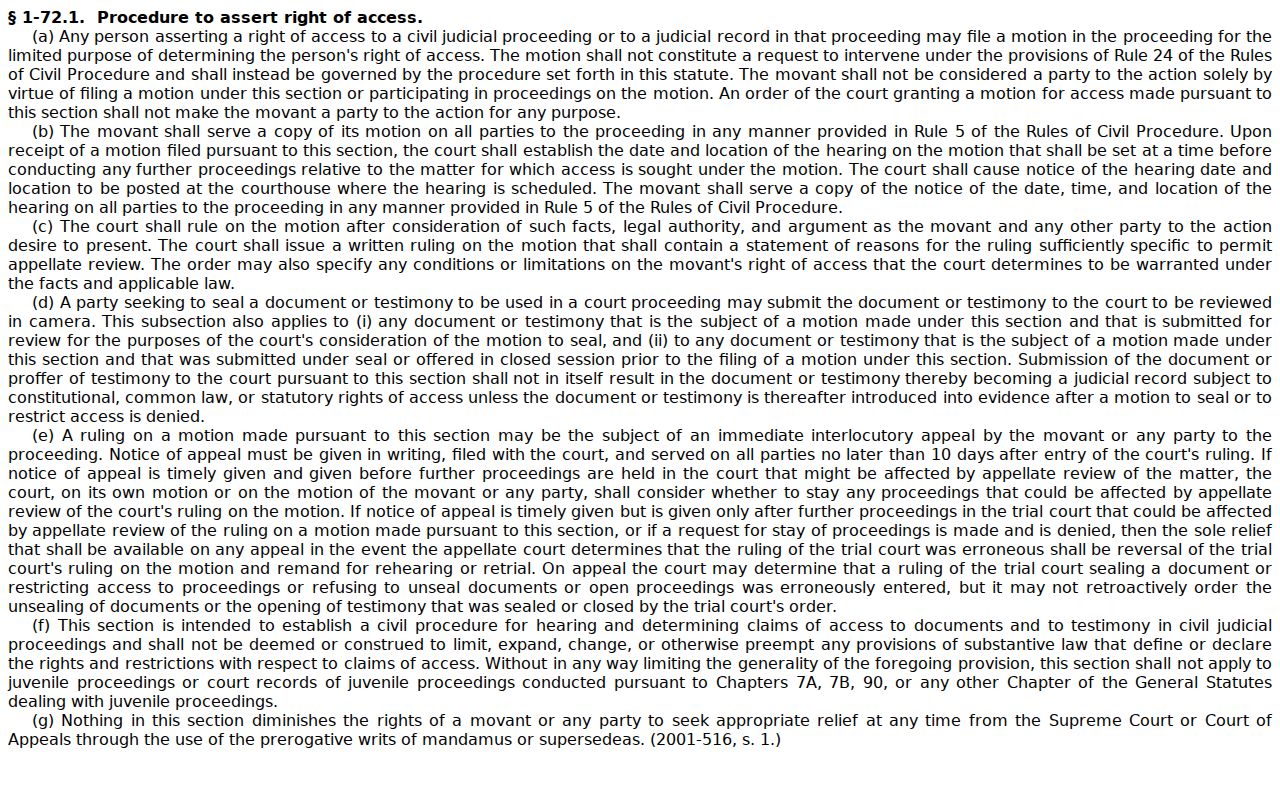
Its court-access path keeps ordinary public civil docket use separate from a sealed-file request. That distinction matters in Stanly County.