
The Stanly County Court Calendar
Stanly County court dates live in three places. The North Carolina Judicial Branch Portal handles case and hearing searches. The official North Carolina court calendar service lists what a session holds. And the Clerk of Superior Court confirms anything a public screen leaves unclear. Inside the Portal, Stanly County users get Search Hearings. They also get the hearing area of an eligible Case Summary. The calendar service groups the civil and criminal matters set for a session. That is a different lens than a single case. Treat neither one as private notice of your court date. Entries change. Stanly's Judicial Branch location page points to both court-date searching and the civil and criminal calendars. That pairing is a sign the tools work best side by side rather than as substitutes.
Stanly County Court-Date Check
A solid Stanly County court-date check runs in three layers. Search Hearings covers the case and hearing layer. The Stanly County calendar covers the session layer. When something is urgent, unclear, or simply missing from the public screens, the Clerk becomes the confirmation layer. Following that order gives you more context than any single result view. It also keeps a copied calendar image from being treated as the last word.
| Stanly County channel | Best use | Important limit |
|---|---|---|
| Portal Search Hearings and Case Summary | Find an eligible Stanly County case's hearing details and Case Events. | Public fields vary by case and access level. |
| North Carolina calendars | Review a civil or criminal session calendar for Stanly. | A posted calendar can be changed. |
| Clerk of Superior Court | Resolve a date question, locate a file, or seek an official record. | Staff research and terminal features are not promised beyond published guidance. |
Case Events tells the fuller story. For an older or tangled Stanly County case, its chronology can explain why a setting looks different on a calendar. The public Portal is informative, but the official court record sits with the clerk.
How to Find Your Court Date
Lead with the strongest identifier you have. For a Stanly County court-date inquiry, a case number is usually the most precise. A party name, citation number, business name, attorney name, or attorney bar number can also work under the Portal's published search options. If you only need the next setting rather than the full case history, choose Search Hearings.
- Open the North Carolina Judicial Branch Portal in Chrome or Edge and select Smart Search or Search Hearings.
- Search the available identifier, then narrow by Stanly location, hearing type, date range, case type, or status when those controls fit the question.
- Read the eligible Case Summary, especially its hearing and Case Events areas, rather than relying only on a name match.
- Check the official Stanly civil or criminal calendar when a session view is needed, then contact the Clerk at (704) 986-7000 if the date remains uncertain.
No online answer? Go to the courthouse. Every clerk's office keeps a public self-service terminal under Judicial Branch records guidance. The Stanly County Clerk maintains the county's trial-court files at the Stanly County Courthouse, 201 South Second Street in Albemarle.
Search Hearings for Stanly County
The Portal training materials and the Advanced User Guide describe Search Hearings. They call it a date-focused tool. Pick Stanly where a location control appears. Then apply the published hearing type and search type controls. Hearing categories run All, Civil, Criminal, Family, Probate, and Mental Health. Those are statewide labels, not a list of every Stanly courtroom name.
| Published hearing control | Format | Documented use |
|---|---|---|
| Location | Dropdown | Use Stanly when selectable from the described county/location scope. |
| Hearing Type | Dropdown | All, Civil, Criminal, Family, Probate, or Mental Health. |
| Search Type | Dropdown | Case Number, Party Name, Business Name, Attorney Name, Attorney Bar Number, Judicial Officer, or Courtroom. |
| Date range | Date controls | Narrows a hearing search; exact live labels and validation were not captured. |
The guide documents the filters, not a live Stanly County result grid. So it cannot promise that every Stanly County hearing search returns the same columns, document links, or setting details. Start with the clearest identifier you have and read the results from there.
Reading a Court Setting
A setting is a scheduled court event. It is not a promise the matter will finish that day. When you read a public result, set the hearing information beside the recent Case Events. A continuance moves a setting to a new date. A docket call is a session that reviews the matters on a calendar. A later entry may show the next task changed. But that alone does not prove what happened at the earlier setting.
| Date | The scheduled calendar date when the public result displays one; confirm a near date through the current court channel. |
|---|---|
| Time | A displayed time may identify the setting, but it is not verified as a uniform field in every Stanly public result. |
| Courtroom | A published Search Hearings key, not a guaranteed result column or a substitute for checking the current location. |
| Judicial officer | A published search key when available; the research did not capture a Stanly result that confirms a judge field for every setting. |
| Setting type | Use the event description to distinguish a hearing, motion, pretrial, docket call, trial, or another listed activity. |
No live Stanly County hearing result appears on the Portal's own pages. So read these fields as published controls and careful reading practice for Stanly County, not as a guaranteed calendar layout.
Stanly County Calendar Service
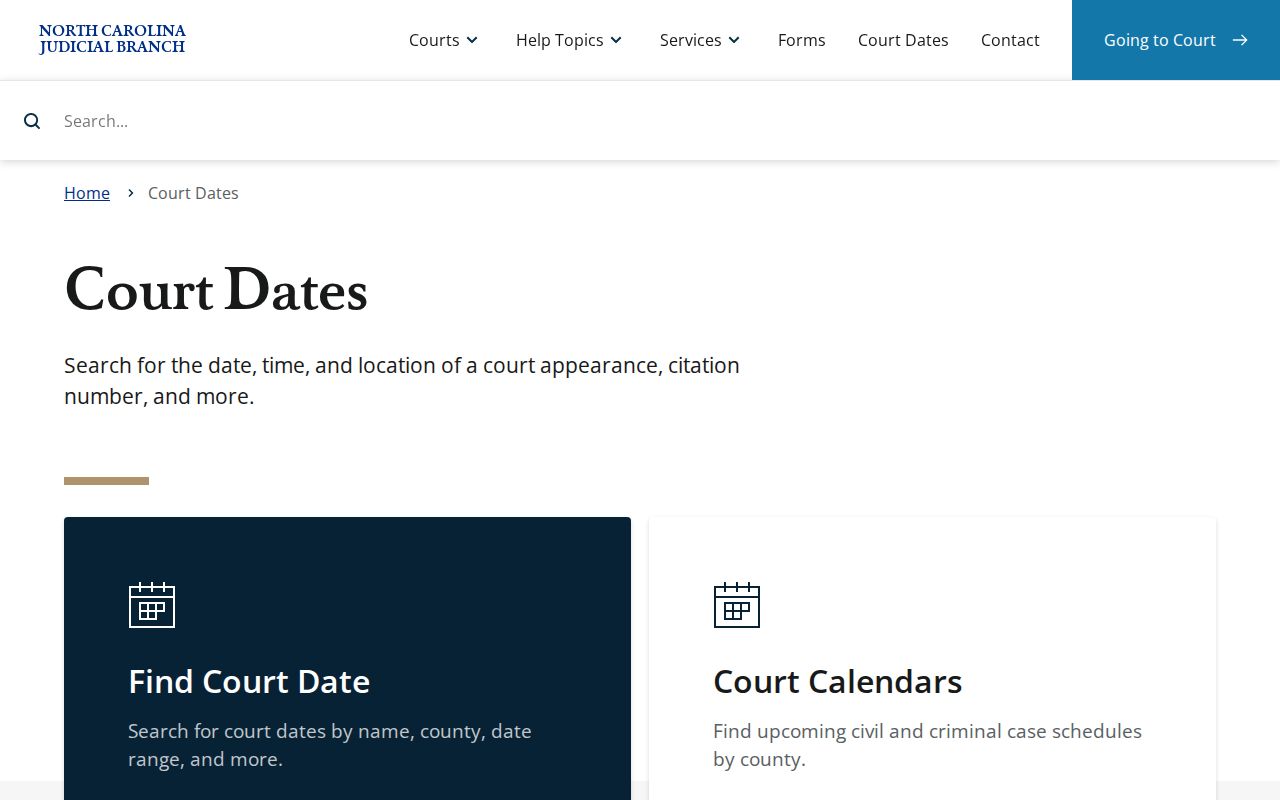
Want a civil or criminal calendar rather than one Case Summary? The statewide calendar service is the official route. Stanly's own court page links to it. A county calendar places a matter inside a whole court session. Search Hearings does the opposite job, narrowing a scheduled event by its identifiers. The North Carolina court calendars page is the source behind this Stanly County court calendar channel. The service it shows is the official one. Still, a current setting calls for a fresh check. The service's live selectors and results update on their own schedule.
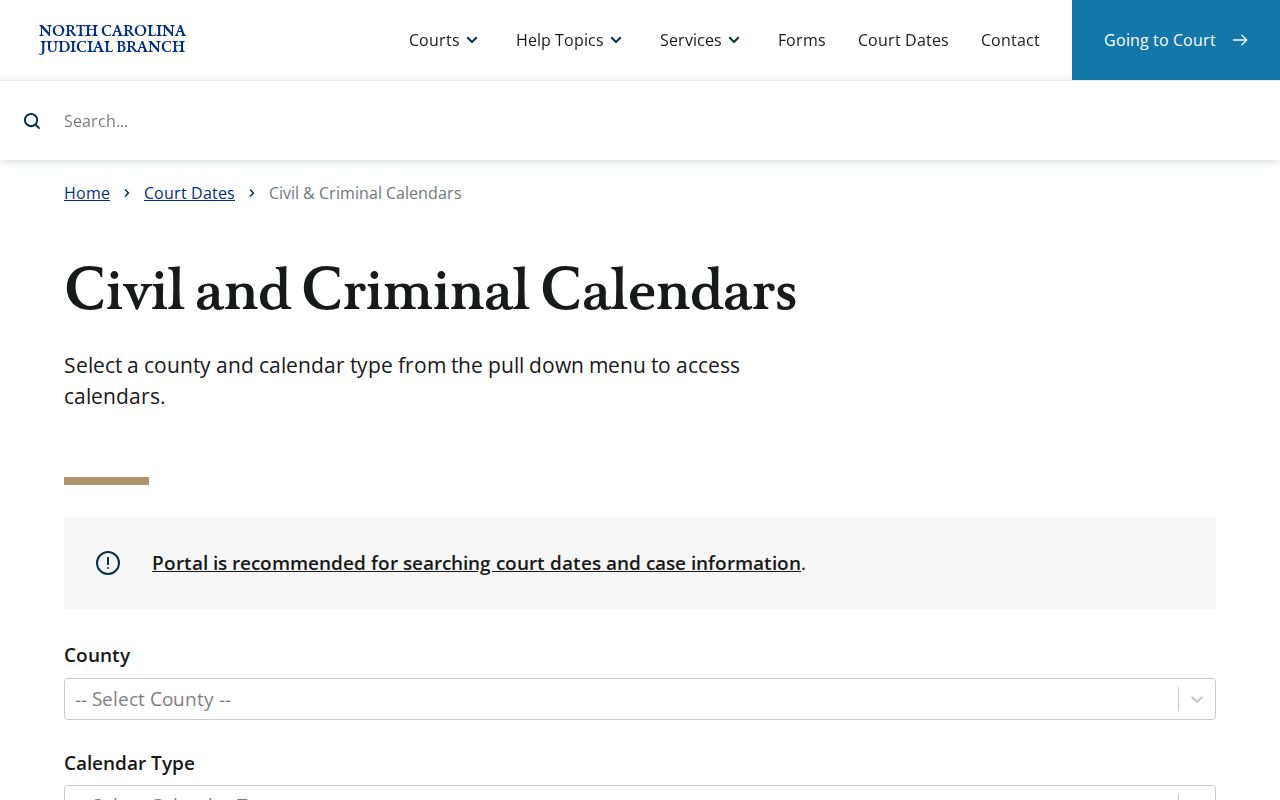
Treat the Stanly County calendar as a session schedule. Pair it with the Case Summary when you need the history behind a particular Stanly County setting. Keeping the session list and the case history separate is what makes each one useful.
Resets, Continuances, and Cancellations
Asking for a continuance does not give you a new date. The request is just that, a request. District 28 posts its request-for-setting and continuance paperwork on the local rules and forms page. Nothing in that material promises the old Stanly County setting goes away once you file. Until the court, the Portal, or the Clerk confirms a change, the current date stands.
A Stanly County reset often shows up later. It appears as a new hearing entry or Case Event. An item that was cancelled or moved may simply vanish from an older calendar view. A saved screen is not a final answer. Compare the dates you see, reopen the current public record where you can, and call the clerk when your time to appear is near.
District 28 Stanly County Family Calendars
The District 28 Family Court Local Rules govern family cases in both Stanly and Montgomery. Under those rules, motions and hearings in covered family matters get scheduled by the Case Coordinator, but only after the pleading is filed. File first, then get a setting. That sequence is a local procedural detail. It is not a shortcut for every Stanly County court calendar question.
Publication of the Stanly County family calendar counts as adequate notice under the rules. Family civil calendars are posted in the office and online. Unrepresented parties hear by mail. Counsel may get notice by mail, email, or basket. For certain nonjury matters, a request for setting goes to the Clerk, with copies to the Case Coordinator and the other side. That filing comes four weeks before the session.
Note: Filing a request does not mean the family-court date was granted. Hold onto your current setting until it is confirmed.
What To Do If You Miss a Setting
Miss a setting? Deal with it quickly. Contact the Stanly Clerk or an attorney rather than guessing. The Court Dates guidance cautions that paying online or relying on an old calendar does not erase a requirement to appear, so the current court record and a direct call to the court are the safer way to learn what happens next.
Missed a Setting? Contact the Clerk of Superior Court promptly at (704) 986-7000 or speak with an attorney about the current Stanly County court setting.
Do not treat a payment entry, a saved copy of a docket page, or an unconfirmed continuance request as proof that a required appearance ended.
No single consequence follows every missed Stanly County setting. What is clear: act fast and get current Stanly County information. Guessing from an old calendar only invites trouble.
Stanly County Court-Date Changes
Weather closures are one reason a Stanly County court date may move. The Judicial Branch Court Dates guidance covers closures. A closure normally brings a rescheduled date or a mailed notice. That language supports a confirmation step. It does not name the new date. Cold days close courthouses more than litigants expect. A docket entry made before the storm will not reflect the change. So treat any court date near bad weather as unconfirmed until the clerk or the calendar says otherwise.
The official Court Dates material from the Judicial Branch spells out the closure and rescheduling rules. It tells readers to check current court-date information directly rather than infer a new setting. That instruction applies to Stanly County docket entries just as it does anywhere else in the state court system.
When a Stanly County closure affects your date, run Search Hearings or check the local calendar again. Turn to the Clerk if those sources leave the new setting unclear. A closure announcement alone never names its replacement date.
Stanly County eCourts Calendar Change
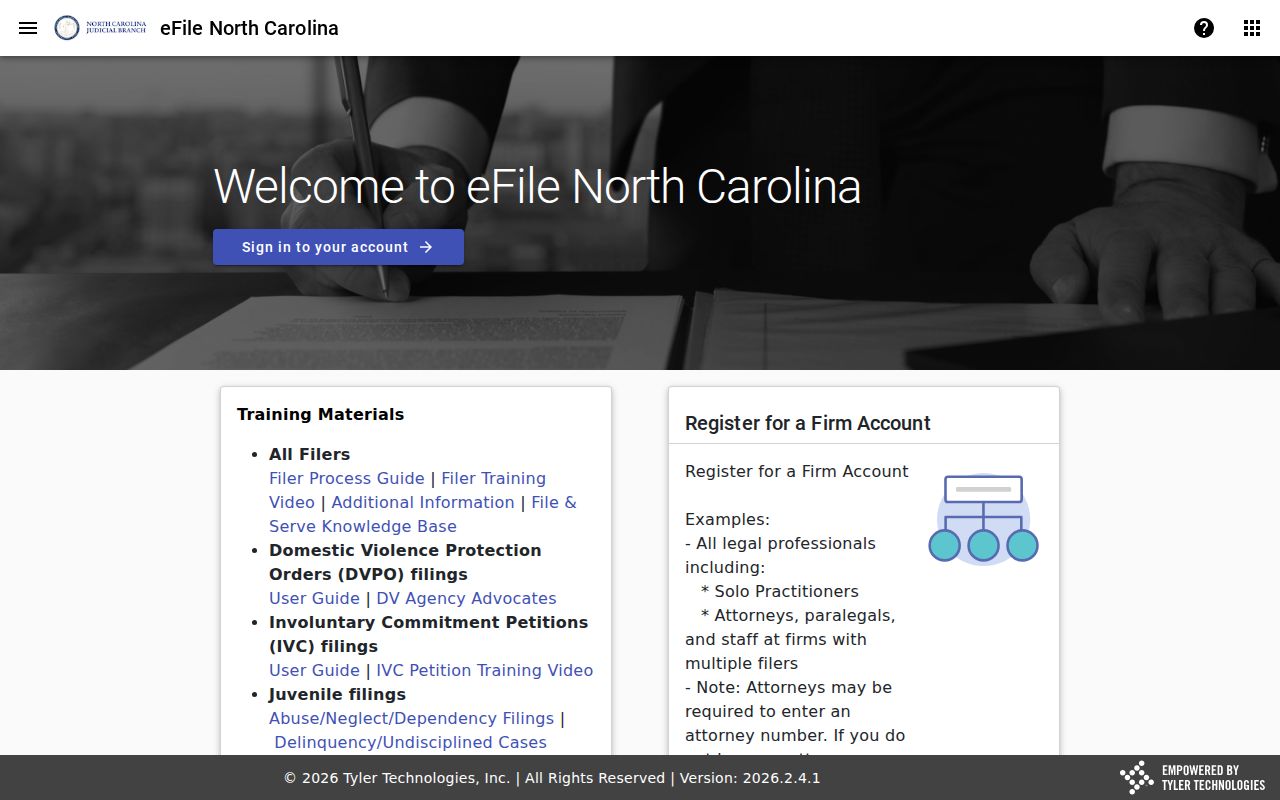
Stanly joined eCourts on October 14, 2024. From that point the statewide Portal and the Enterprise Justice environment became the central public online route to Stanly case information. It replaced any separate legacy Stanly index. The Judicial Branch later reported eCourts conversion across all 100 counties by October 13, 2025. Part of that filing environment, North Carolina File & Serve, appears in the official source material here. It handles filings, not public calendar searches. Docket questions still go to Search Hearings, the calendar service, or the Clerk's office.
The eCourts transition explains the shared online route. It does not promise that every older Stanly County record or calendar field shows up in the same public form, so some entries may look different or run thin.
Stanly County Court Event Times
Older Case Events converted into Odyssey can show a time of 12:00 a.m., according to the Portal FAQ. Do not read that as the real hour of a hearing or filing. It is a conversion artifact. It matters most when you compare older Stanly County court docket history against a current calendar setting. Treat the dated event as a clue to the case chronology. For anything urgent, check the current hearing information or ask the Clerk. A midnight display alone proves nothing about when a Stanly County appearance actually happened.
A Stanly County calendar is a schedule. Case Events preserve whatever history is available. The two are not interchangeable sources.
Note: A calendar shows what is set; Case Events show what has happened.